





 Projector
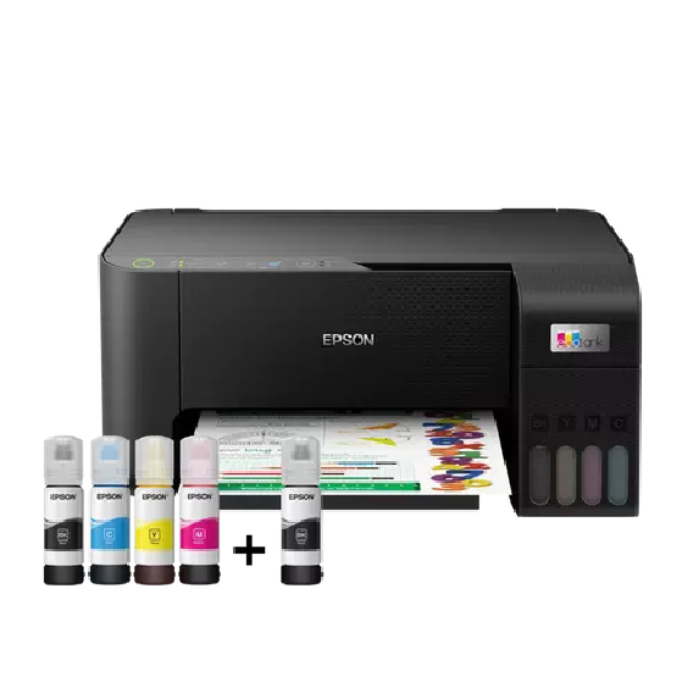
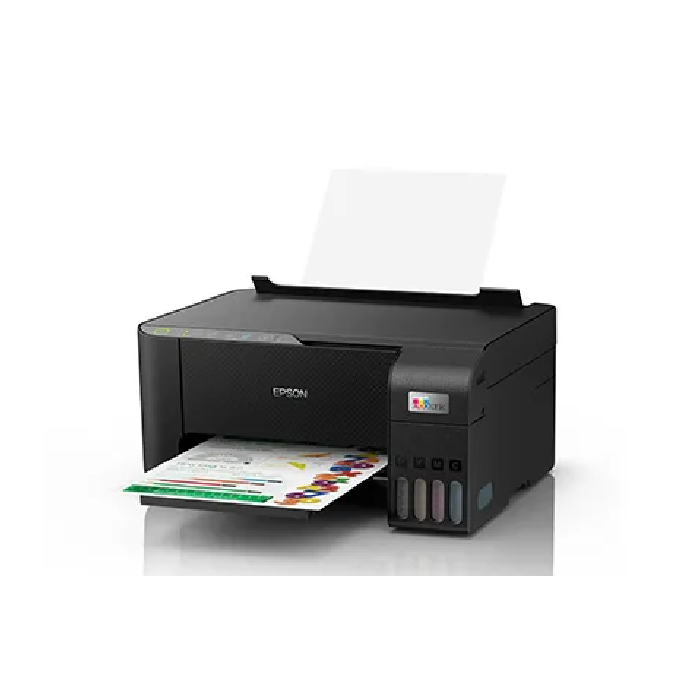
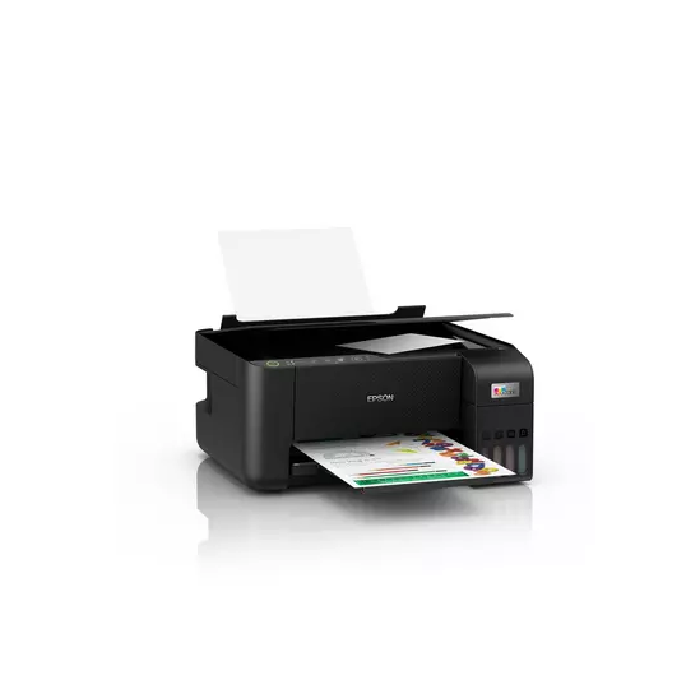
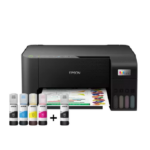
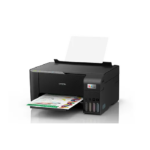
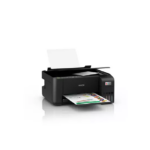
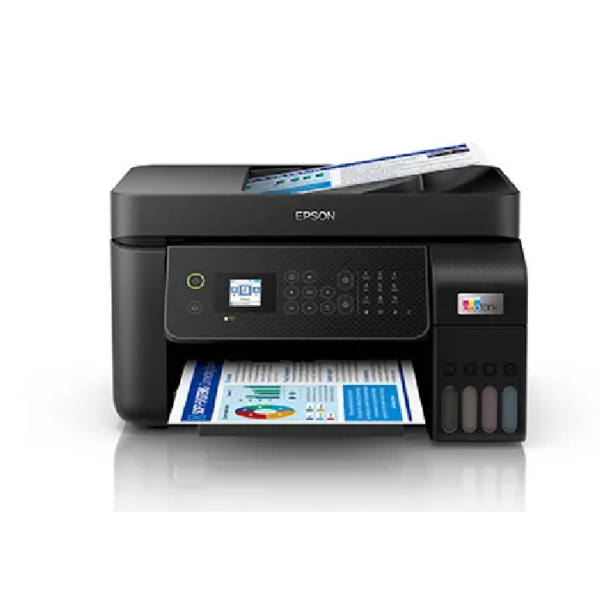
Epson L3250 printer: The Ultimate Wireless Printing Solution for Modern Workspaces
If you are looking for absolute efficiency, wireless convenience, and high-quality output, the Epson L3250 printer, available now at iMAP Stores, is your ideal choice for everyday business, corporate, and home office needs. Designed to meet the demanding requirements of modern users, this printer combines innovative EcoTank technology with seamless wireless connectivity to deliver unmatched value and performance.
Key Features of the Epson L3250 printer:
Advanced Wireless Connectivity: Print effortlessly from your laptop, smartphone, or tablet using built-in Wi-Fi and Wi-Fi Direct. The Epson L3250 printer allows you to connect multiple devices without the hassle of messy cables, enhancing overall workflow productivity.
EcoTank Ink System: Say goodbye to expensive traditional cartridges. Enjoy thousands of pages at an ultra-low cost per page using the original high-yield ink bottles included with the Epson L3250 printer.
3-in-1 Versatility: Seamlessly print, copy, and scan using the reliable Epson L3250 printer in one compact, space-saving device that fits perfectly on any office desk.
Borderless Photo Printing: Print high-quality, vivid photos and sharp documents up to A4 size with your Epson L3250 printer, ensuring professional presentation results every single time.
Reliable Performance and Durability: The Epson L3250 printer is built to handle daily office workloads smoothly and consistently, ensuring maximum uptime and low maintenance requirements.
Why Buy the Epson L3250 printer from iMAP Stores? At iMAP Stores, we provide top-tier IT hardware, reliable office solutions, and competitive B2B pricing backed by expert customer service. We understand the specific needs of businesses and professionals in Egypt, offering authentic products that guarantee long-term reliability and exceptional return on investment.
Order your Epson L3250 printer today and enjoy a seamless wireless printing experience delivered right to your business or home! Experience the future of printing technology with iMAP Stores, where quality meets unbeatable market value.
🙋♂️ الأسئلة الشائعة حول طابعة Epson EcoTank L3250
1. ما هو الفرق الرئيسي بين موديل L3250 وموديل L3210؟
-
الإجابة: الفرق الأساسي هو الاتصال اللاسلكي (Wi-Fi & Wi-Fi Direct). موديل L3250 يتيح لك الطباعة والتصوير والمسح الضوئي مباشرة من هاتفك المحمول أو الكمبيوتر بدون الحاجة لأي أسلاك، بينما موديل L3210 يعمل بكابل الـ USB فقط.
2. كيف يمكنني الطباعة من الهاتف المحمول عبر طابعة L3250؟
-
الإجابة: الأمر غاية في السهولة عبر تطبيق Epson Smart Panel المتاح مجاناً لهواتف أندرويد و iPhone. يمكنك من خلال التطبيق:
-
إرسال المستندات والصور للطباعة مباشرة.
-
عمل مسح ضوئي (Scanner) وحفظ الملف على هاتفك.
-
مراقبة مستويات الحبر وعمل صيانة للطابعة من شاشة هاتفك.
-
3. هل أحتاج إلى وجود شبكة إنترنت (راوتر) في المكان لأطبع من الهاتف؟
-
الإجابة: ليس بالضرورة. تدعم الطابعة ميزة Wi-Fi Direct، وهذا يعني أنها تستطيع بث شبكة واي فاي خاصة بها؛ يمكنك ربط هاتفك بها مباشرة والطباعة حتى لو كنت في مكان لا يحتوي على شبكة إنترنت أو راوتر.
4. ما هي الوظائف التي تقدمها طابعة L3250؟
-
الإجابة: هي طابعة متعددة الوظائف (3 في 1) تشمل:
-
الطباعة اللاسلكية والعادية (ملون وأسود).
-
التصوير السريع بضغطة زر (أبيض وأسود أو ملون).
-
المسح الضوئي (Scanner) بدقة عالية.
-
5. ما هي إنتاجية زجاجات الحبر لهذا الموديل؟
-
الإجابة: الطابعة اقتصادية جداً وتأتي مع خزانات حبر مدمجة فائقة الإنتاجية:
-
اللون الأسود: يطبع حتى 4500 صفحة.
-
الألوان الثلاثة (الأزرق، الأصفر، الأحمر): تطبع معاً حتى 7500 صفحة.
-
6. ما هي الأحبار المتوافقة مع طابعة L3250؟
-
الإجابة: تعمل الطابعة مع زجاجات حبر Epson 103 الأصلية. وتتميز الزجاجات الذكية بآلية “قفل ومفتاح” تمنع انسكاب الحبر أو تعبئة لون في الخزان الخطأ.
7. هل تدعم الطابعة ميزة الطباعة التلقائية على الوجهين (Duplex)؟
-
الإجابة: لا، الطباعة على الوجهين تتم يدوياً. ستقوم الطابعة بطباعة الوجه الأول، ثم يظهر لك تنبيه على شاشة الكمبيوتر أو الهاتف يطلب منك إعادة تلقيم الورق لطباعة الوجه الآخر.
💡 نصيحة ذكية: عند إعداد الطابعة لأول مرة عبر الواي فاي، تأكد من أن هاتفك أو جهاز الكمبيوتر متصل بتردد 2.4 جيجاهرتز (2.4GHz) في الراوتر، حيث أن الطابعات لا تدعم ترددات الـ 5GHz السريعة أثناء عملية الاقتران الأولى.
Reviews
Clear filtersThere are no reviews yet.